

 0
0
 0
0
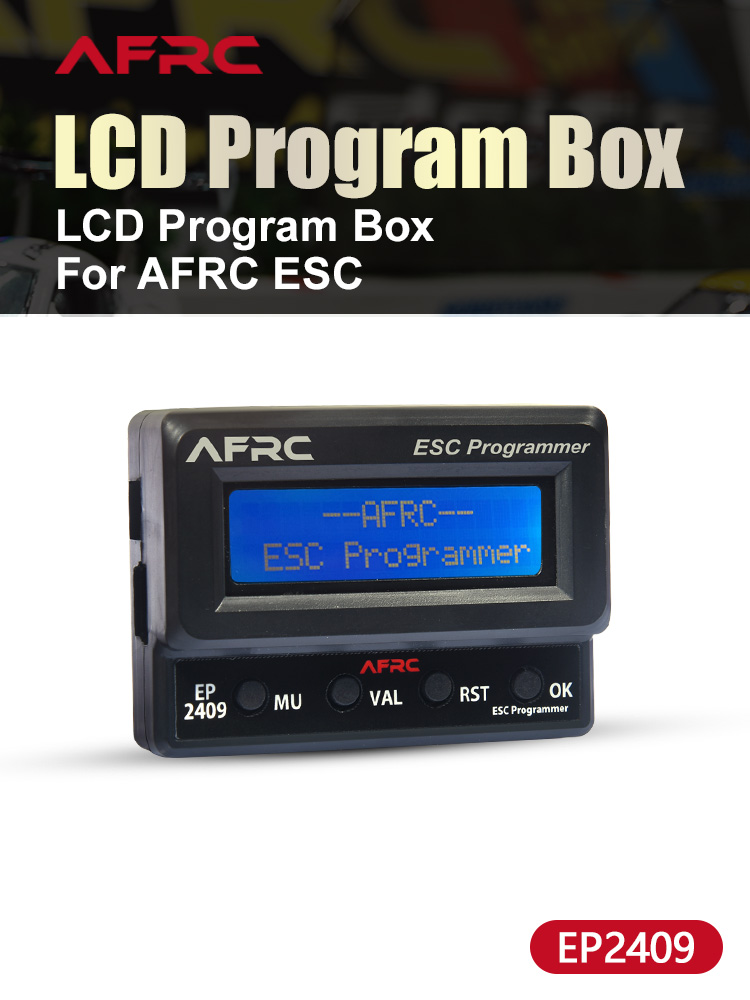
Model: AFRC-EP2409
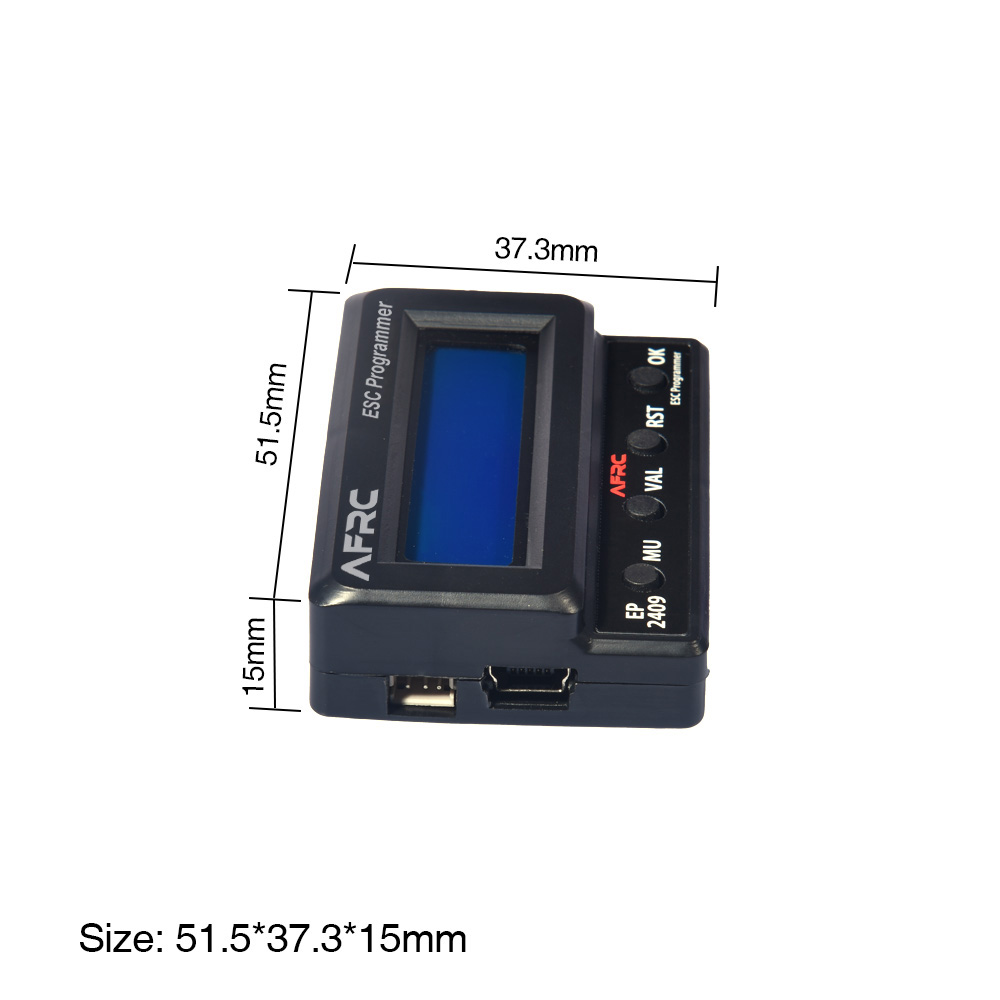
Dimension: 51.5*37.3*15mm
Weight: 22g
Application: AFRC ESC

SEAGE OF THE PROGRAMMING CARD
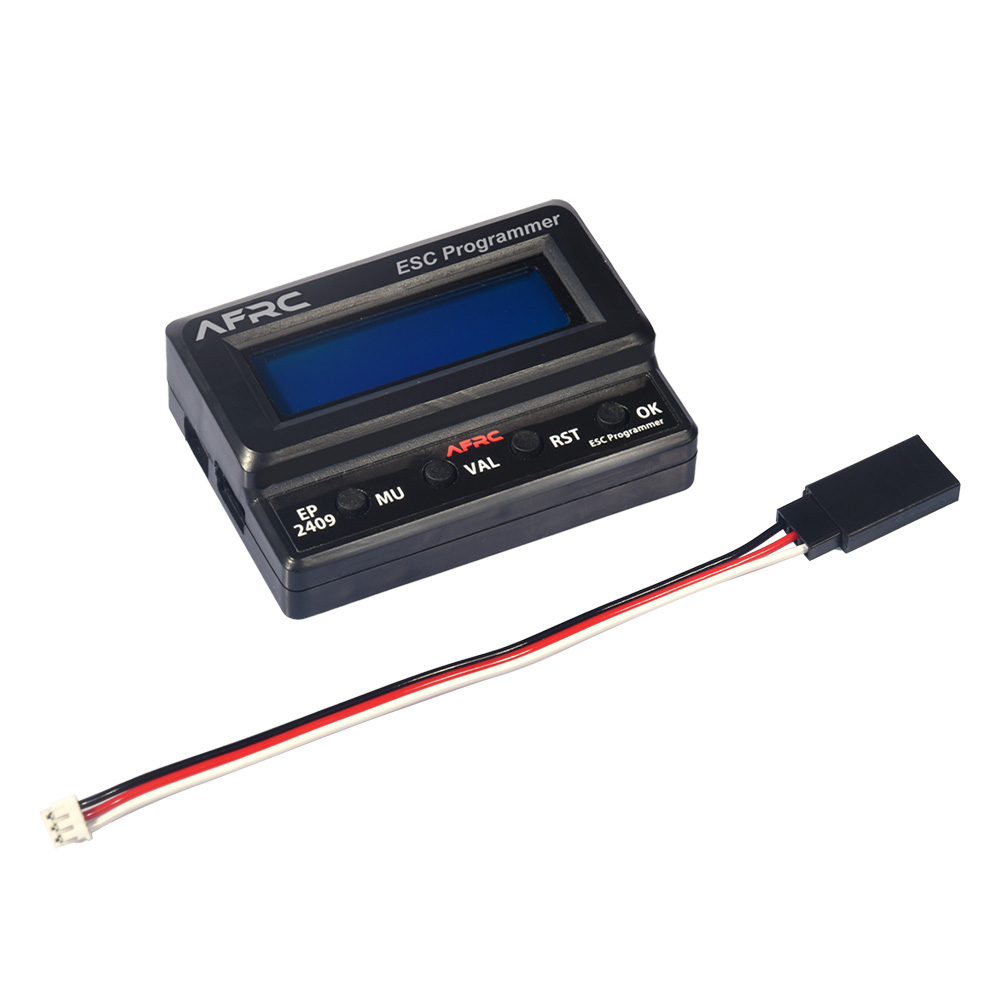
1. As a separate equipment, it can display ESC parameters or set parameters directly with its own LCD programming card.
2. As a USB adapter, it can connect ESC to personal computer. ESC firmware update and
programming setting can be done with application on computers.
BUTTON AND SOCKET FUNCTION DESCRIPTION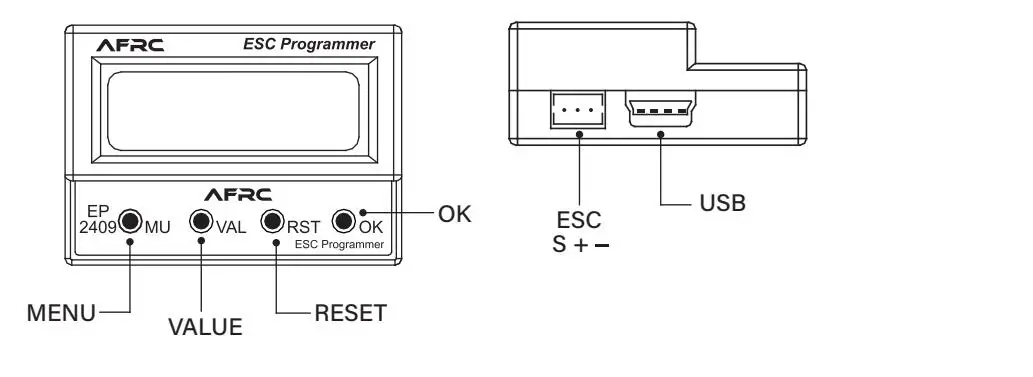
SETTING THE ESC PARAMETERS
Judge whether there is a built-in BEC and an independent programming port, and connect the
ESC and setting cards in the correct connection.
A: If there is BEC output in the ESC and the programming line is multiplexed with the throttle
line, pull out the throttle line from the receiver and insert it to the “ESC” socket of the LCD setting card.
B: If there is a built-in BEC output and an independent programming port in the ESC, using
a programming line connect the ESC programming way. Port with the “ESC” port on LCD setting box.
Connect the ESC with battery and turn on the switch of the ESC, the LCD setting card will
display the starting up interface. Press any key on the LCD setting card,
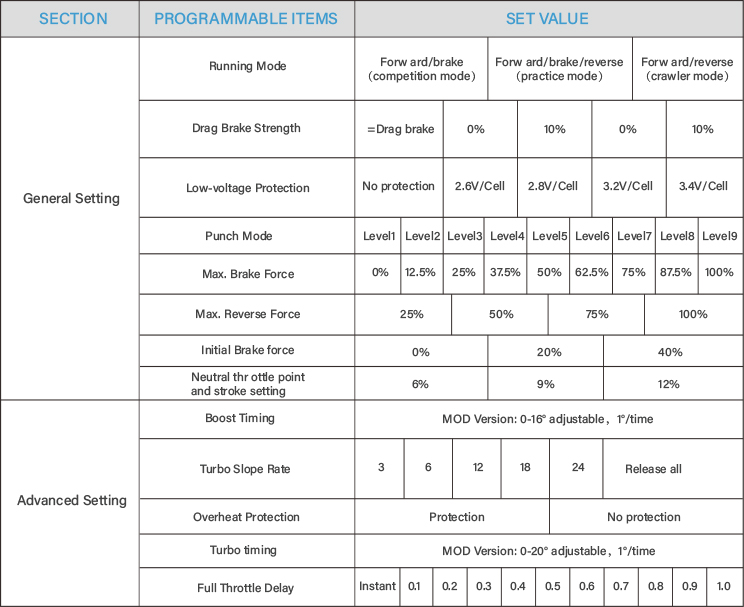
Setting card and ESC start establishing communi-cation and dispay”Connecting ESC”. After a few seconds, will display current Mode 0_car 0, then the first setting parameter is displayed. Use "MENU" and "VALUE" buttons to change the setting parameters, press the "OK" key to save the setting parameters into the ESC.
SWITCH THE PRESET MODE OF THE ESC
Setting card can store three sets of preset modes. According to different car models,motors and different race rules, use different application setting. Users can first set the parameters of each mode, when in different venue or using different motors, just call the corresponding mode.
Call method: when the ESC and LCD setting card is connecting, press the "RESET" key. After the current mode name is displayed on the LCD, press "VALUE" key to switch to the next mode. Press "VALUE" again, continue to switch to the next mode,
and so on.
To modify the parameters of the selected mode, press the “MENU” key to display the current mode and modify the parameters.
| Model Number: AFRC-EP2409 | Size: 51.5*37.3*15mm |
| Operating System: Windows XP/Windows Vista/Windows 7/Windows 8 /windows10 ( 32/64bit) | Weight: 22 |
| RC Parts & Accs: | Material: Plastic |
| Recommend Age: 18+ | Use: |
